Performance Support Design: WalkMe Guided Tour for SurveyMonkey
Project Info
Audience: Newly hired eLearning specialists
My Role: Instructional Design & eLearning Developer
Tools Used: WalkMe, SurveyMonkey
Format: Embedded web guidance: contextual, step-by-step guided tour
Overview
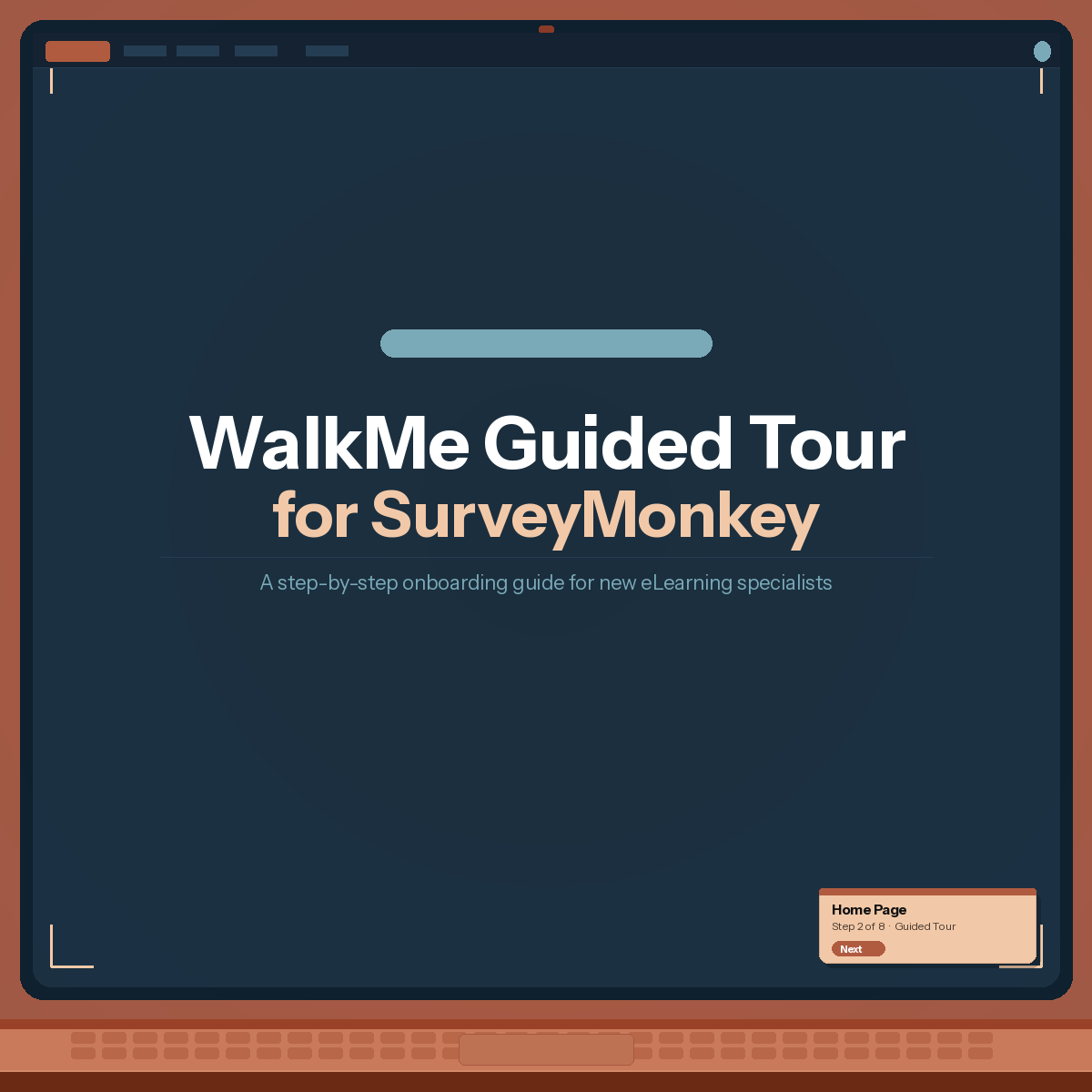
This project is a prototype that demonstrates my ability to use WalkMe as a performance support authoring tool. The idea came directly from my experience onboarding new eLearning specialists. SurveyMonkey is a tool we use regularly to build and distribute course evaluation surveys, and orienting new hires to its interface is a standard part of the onboarding process. Rather than relying on a live walkthrough or a static screen-recording, I wanted to show how WalkMe can turn that same content into an interactive, self-paced guide embedded directly in the tool itself.
WalkMe is a digital adoption platform that overlays step-by-step guidance on top of any web application. Because the guidance lives in the actual SurveyMonkey environment, learners engage with the real interface rather than a simulation, which reduces the transfer gap between training and on-the-job use.
Problem & Solution
The Observed Need
During onboarding, new eLearning specialists consistently needed a walkthrough of SurveyMonkey before they could use it independently. In practice, this meant either scheduling a live demo with a senior team member or pointing new hires to a recorded walkthrough video they had to watch passively and reference separately from the tool. Both approaches had the same limitation: the guidance was disconnected from the place where the work actually happened.
A live demo does not scale well as the team grows, and a screen-recording requires new hires to context-switch between a video player and the actual application. Neither option lets learners control their pace or revisit specific steps on demand once they start working independently.
The Approach
WalkMe addresses this by embedding the guidance directly inside SurveyMonkey. The guided tour covers the core navigation features a new eLearning specialist needs to know: the Home page, the My Team and Workgroups structure, Multi-survey Analysis, the Notifications panel, and the Filters function. These were prioritized based on the tasks new hires typically encounter in their first few weeks on the job.
What This Project Demonstrates
WalkMe authoring: ability to build a multi-step guided tour using WalkMe's editor.
Performance support design thinking: the ability to identify where a job aid is more appropriate than a formal course, and to design guidance that lives in the workflow rather than outside of it.
Digital adoption strategy: understanding of how embedded guidance tools like WalkMe reduce friction during software rollouts and onboarding by meeting learners in the moment of need.
Needs analysis and scoping: intentional prioritization of the features most relevant to a new hire's first few weeks, rather than attempting to cover the entire platform.
Instructional writing for performance support: clear, concise tooltip copy that communicates one concept per step without overwhelming users who are actively trying to complete a task.
When a performance support tool outperforms a course
Not every training need requires a course. This reminds me again of the importance of identifying training needs and training goals to determine the right approach.
There is a meaningful difference between learning about a tool in a training environment and learning to use it in the actual tool. WalkMe collapses that gap. Learners are already in SurveyMonkey when the guidance appears, so there is no transfer problem. They are doing the task while reading about it. That kind of context makes the learning stick faster and potentially reduces the number of follow-up questions new hires typically have in their first week.